Unreal BETA-patch 227k_17

>>> New update 227k_17 available for Windows / Linux / MacOS

All NEWBIESPLAYGROUND GAMESERVERS are patched to Beta 227k 64bit – Build: 227k_17

You can download the latest 227k-versions from our DOWNLOADS-section 

NOTE: Please make sure to backup your Unreal-Installation before applying the patch-files. Backup and remove your Unreal.ini file before starting the updated game-installation (a new Unreal.ini will be generated including new settings and yes, you’ll need to set your previous settings manually again). That will ensure that the updated game-installation should work properly. If you want to use the 64bit version of Unreal, make sure that you either copy all “*.u”-files from patch directory “System” to “System64” or add the path to your Unreal.ini (if not added already): Paths=..\System\*.u below Paths=..\System64\*.u
Unreal BETA-patch 227k_16

>>> New update 227k_16 available for Windows / Linux / MacOS

All NEWBIESPLAYGROUND GAMESERVERS are patched to Beta 227k 64bit – Build: 227k_16

You can download the latest 227k-versions from our DOWNLOADS-section 

NOTE: Please make sure to backup your Unreal-Installation before applying the patch-files. Backup and remove your Unreal.ini file before starting the updated game-installation (a new Unreal.ini will be generated including new settings and yes, you’ll need to set your previous settings manually again). That will ensure that the updated game-installation should work properly. If you want to use the 64bit version of Unreal, make sure that you either copy all “*.u”-files from patch directory “System” to “System64” or add the path to your Unreal.ini (if not added already): Paths=..\System\*.u below Paths=..\System64\*.u
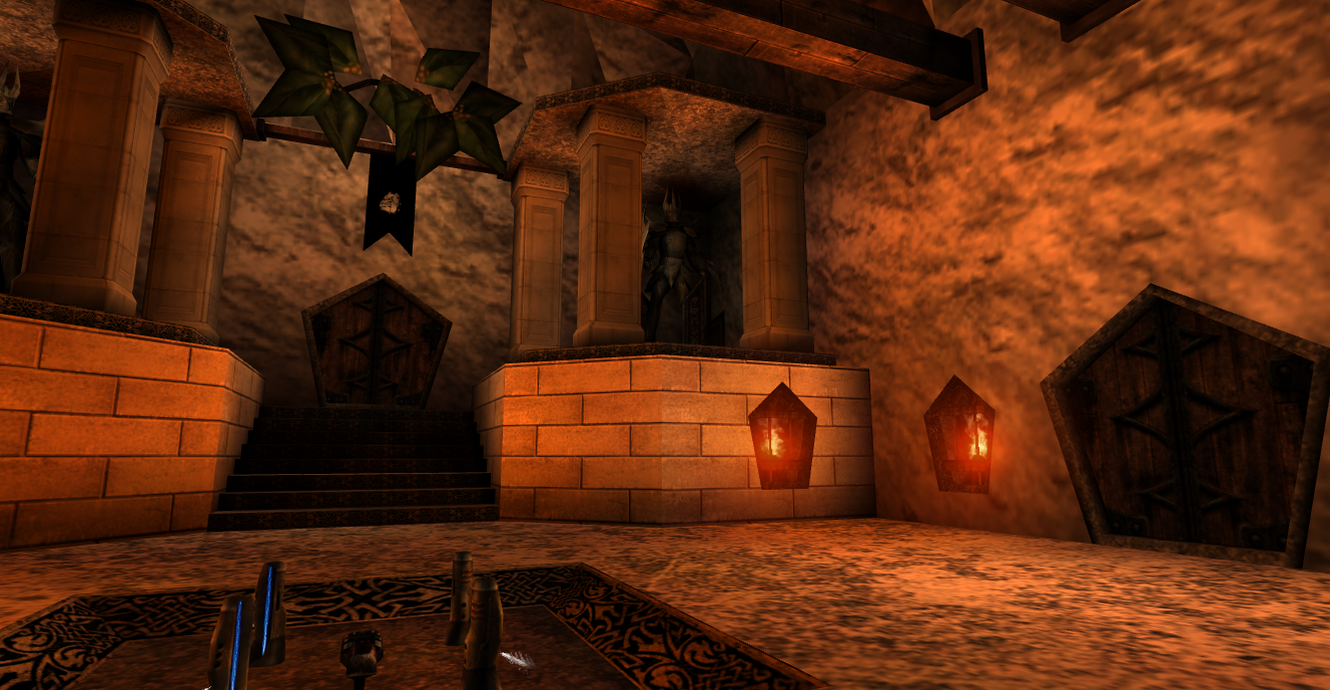
All NEWBIESPLAYGROUND GAMESERVERS are patched to Beta 227k 64bit – Build: 227k_15

Unreal BETA-patch 227k_15

>>> New update 227k_15 available for Windows / Linux / MacOS

All NEWBIESPLAYGROUND GAMESERVERS are patched to Beta 227k 64bit – Build: 227k_15

You can download the latest 227k-versions from our DOWNLOADS-section 

NOTE: Please make sure to backup your Unreal-Installation before applying the patch-files. Backup and remove your Unreal.ini file before starting the updated game-installation (a new Unreal.ini will be generated including new settings and yes, you’ll need to set your previous settings manually again). That will ensure that the updated game-installation should work properly. If you want to use the 64bit version of Unreal, make sure that you either copy all “*.u”-files from patch directory “System” to “System64” or add the path to your Unreal.ini (if not added already): Paths=..\System\*.u below Paths=..\System64\*.u

All NEWBIESPLAYGROUND GAMESERVERS are patched to Beta 227k 64bit – Build: 227k_15

3 Maps Added On All Servers

We added 3 more maps from the Mapper “Aspide” I recently discover on Unreal Archive

  • AFIN-Map01-WarriorsLament
  • AFIN-Map02-VecchieFerite
  • AFIN-Map03-LongWayAround

They are now available from the Voting Menu

Have Fun !

14 New Maps on our Servers

We added 14 maps to all our servers from Alexander Simons. We did have to replace the modded UT-Inventory from those maps and substitute it with Unreal-compatible inventory items. This is all we have done, so they are very close to the original intentions of this author, who did a great job creating this map pack. The intro and outro maps are not available on the server. Have Fun !!

Unreal BETA-patch 227k_14

>>> New update 227k_14 available for Windows / Linux / MacOS

All NEWBIESPLAYGROUND GAMESERVERS are patched to Beta 227k 64bit – Build: 227k_14

You can download the latest 227k-versions from our DOWNLOADS-section 

NOTE: Please make sure to backup your Unreal-Installation before applying the patch-files. Backup and remove your Unreal.ini file before starting the updated game-installation (a new Unreal.ini will be generated including new settings and yes, you’ll need to set your previous settings manually again). That will ensure that the updated game-installation should work properly. If you want to use the 64bit version of Unreal, make sure that you either copy all “*.u”-files from patch directory “System” to “System64” or add the path to your Unreal.ini (if not added already): Paths=..\System\*.u below Paths=..\System64\*.u

All NEWBIESPLAYGROUND GAMESERVERS are patched to Beta 227k 64bit – Build: 227k_14

Unreal BETA-patch 227k_13

>>> New update 227k_13 available for Windows / Linux / MacOS

All NEWBIESPLAYGROUND GAMESERVERS are patched to Beta 227k 64bit – Build: 227k_13

You can download the latest 227k-versions from our DOWNLOADS-section 

NOTE: Please make sure to backup your Unreal-Installation before applying the patch-files. Backup and remove your Unreal.ini file before starting the updated game-installation (a new Unreal.ini will be generated including new settings and yes, you’ll need to set your previous settings manually again). That will ensure that the updated game-installation should work properly. If you want to use the 64bit version of Unreal, make sure that you either copy all “*.u”-files from patch directory “System” to “System64” or add the path to your Unreal.ini (if not added already): Paths=..\System\*.u below Paths=..\System64\*.u
New Map by Ron

Added A new map from Our Friend Ron to all servers Map-Name “Amapjonh1-NPF” Have Fun !

New Skin-Pack “Darkest Hour” by Yuliya-(DOG)-

Check out the new Skin-Pack “Darkest Hour”, created by Yuliya-(DOG)-!
The skinpack contains the following skins: 

Female1: DH_Marilyn, DH_Selena, DH_Umbra
Female2: DH_Beatrice, DH_Rogue
Male1: DH_Vincent
Male2: DH_Ash, DH_Vampire
Male3: DH_Bobby, DH_Dante, DH_Gladiator

The Darkest Hour skins are for public use and are available on all Newbiesplayground servers. Download from Newbiesplayground.net > Downloads > Skins > NewbiesPublicSkins


Unreal BETA-patch 227k – PUBLIC

OldUnreal switched the distribution of the BETA-patch 227k from private to public. Now you can download the latest 227k-versions from our DOWNLOADS-section whenever a new version is available:

DOWNLOADS > PATCHES > BETA-227k

>>> New update 227k_12 available for Windows / Linux / MacOS

Of course you can also obtain the files directly from the source, OldUnreal’s GitHub: https://github.com/OldUnreal

NOTE: Please make sure to backup your Unreal-Installation before applying the patch-files. Backup and remove your Unreal.ini file before starting the updated game-installation (a new Unreal.ini will be generated including new settings and yes, you’ll need to set your previous settings manually again). That will ensure that the updated game-installation should work properly. If you want to use the 64bit version of Unreal, make sure that you either copy all “*.u”-files from patch directory “System” to “System64” or add the path to your Unreal.ini (if not added already): Paths=..\System\*.u below Paths=..\System64\*.u